Wykorzystujemy pliki cookies i podobne technologie w celu usprawnienia korzystania z serwisu Chomikuj.pl oraz wyświetlenia reklam dopasowanych do Twoich potrzeb.

Jeśli nie zmienisz ustawień dotyczących cookies w Twojej przeglądarce, wyrażasz zgodę na ich umieszczanie na Twoim komputerze przez administratora serwisu Chomikuj.pl – Kelo Corporation.

W każdej chwili możesz zmienić swoje ustawienia dotyczące cookies w swojej przeglądarce internetowej. Dowiedz się więcej w naszej Polityce Prywatności - http://chomikuj.pl/PolitykaPrywatnosci.aspx.

Jednocześnie informujemy że zmiana ustawień przeglądarki może spowodować ograniczenie korzystania ze strony Chomikuj.pl.

W przypadku braku twojej zgody na akceptację cookies niestety prosimy o opuszczenie serwisu chomikuj.pl.

Wykorzystanie plików cookies przez Zaufanych Partnerów (dostosowanie reklam do Twoich potrzeb, analiza skuteczności działań marketingowych).

Wyrażam sprzeciw na cookies Zaufanych Partnerów
NIE TAK

Wyrażenie sprzeciwu spowoduje, że wyświetlana Ci reklama nie będzie dopasowana do Twoich preferencji, a będzie to reklama wyświetlona przypadkowo.

Istnieje możliwość zmiany ustawień przeglądarki internetowej w sposób uniemożliwiający przechowywanie plików cookies na urządzeniu końcowym. Można również usunąć pliki cookies, dokonując odpowiednich zmian w ustawieniach przeglądarki internetowej.

Pełną informację na ten temat znajdziesz pod adresem http://chomikuj.pl/PolitykaPrywatnosci.aspx.

Nie masz jeszcze własnego chomika? Załóż konto

Remote.Gallery.3D.Pro_v1.2.1.apk

peiper / Android by Peiper / Remote.Gallery.3D.Pro_v1.2.1.apk
Download: Remote.Gallery.3D.Pro_v1.2.1.apk

2,59 MB

0.0 / 5 (0 głosów)
.

obrazekobrazek
Opis
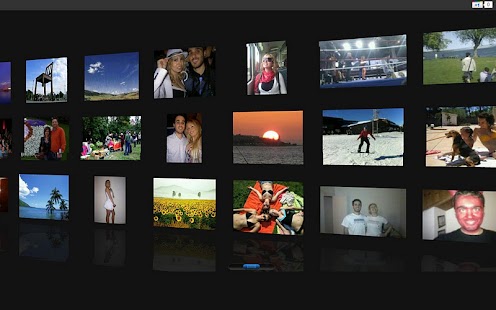
Show and manage all your pictures/videos on your PC, Mac or TV with just one tap from your Android phone!

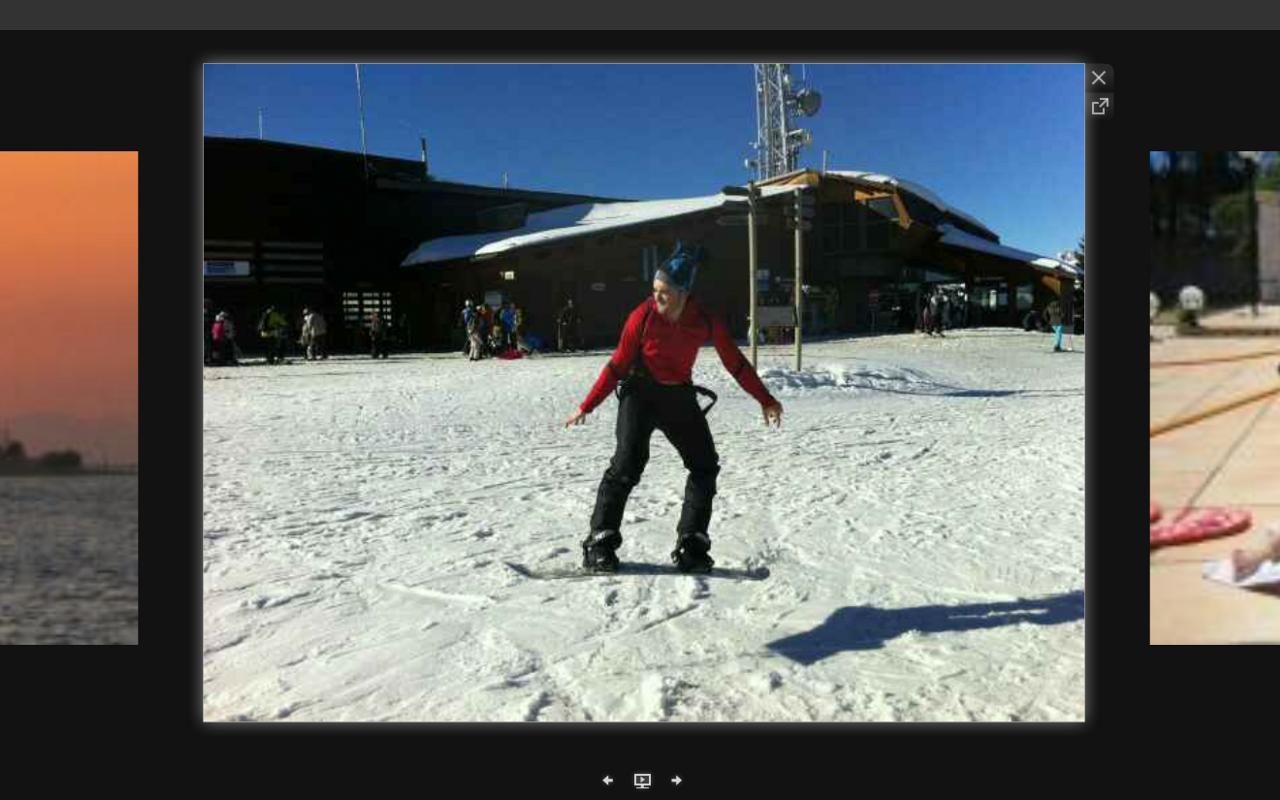
Just hit "Start" in your phone, and you can watch/manage the photos of last night's party in a cool full-screen gallery in your PC.

No need for a USB cable, or any other software. Just your Android, a WiFi connection, and a browser. It is a remote control of your photos.

Many features:
★ Watch all the pictures stored in your phone from any browser
★ It works in any browser: Mozilla Firefox, Google Chrome, Internet Explorer, Safari on Mac, and even smart TVs or the Nintendo Wii!
★ Security: pick a password, so that others in your WiFi can't see your photos
★ Download the full-resolution pictures to your computer
★ Share your pictures in Facebook, Twitter, Flickr
★ Edit your photos on-line with Picnik or Rollip

This PRO version adds:
★ Play videos: Browse your videos from your computer browser
Soon, extra features coming:
★ Hide pictures: Show only the pictures you want in the gallery, for enhanced privacy
★ Bulk downloads: Download many pictures to your computer with just one click
★ Bulk deletes: Delete many pictures to your computer with just one click

This is a new application, so please let us know if anything should be improved!

Note: we never store any sort of private information anywhere. Never, ever. Unlike iCloud ;)

Old names of the app: Media Show on PC, Wifi Photo Explorer and Remote Gallery 3D, Wifi Photos Manager+

Komentarze:

Nie ma jeszcze żadnego komentarza. Dodaj go jako pierwszy!

Aby dodawać komentarze musisz się zalogować

obrazek
obrazek
obrazek


Pakiet gier i aplikacji na Androida


obrazek
obrazek
obrazekobrazek

Inne pliki do pobrania z tego chomika
obrazek
Harry to zmęczony i znudzony jeż, ale dzięki tobie można to zmienić. Podaj Harremu napój energetyczny a stanie się np mistrzem w karate. Harry jak poprzednie aplikacje powtarza wszystko co powiemy itp.
obrazek Brak testu. Updated : Apr 13, 2013. Android O/S : 2.1+.. What's in this version: ●Updated fish move. ●Daydream support for Android 4.2+ devices. obrazekobrazek
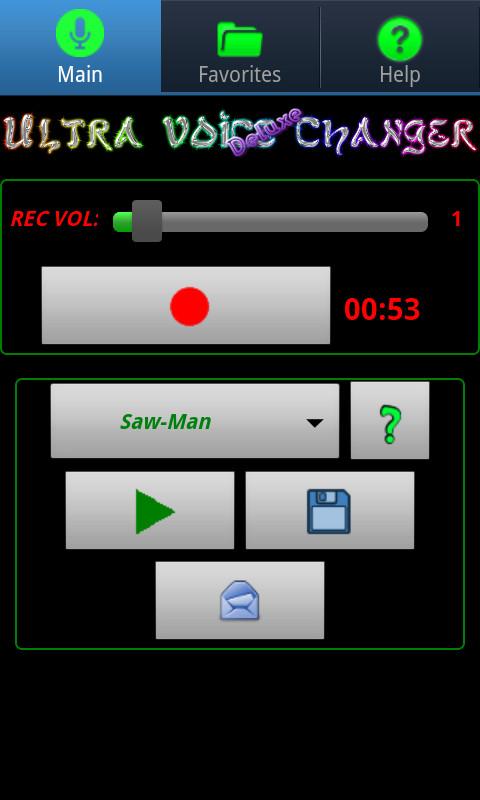
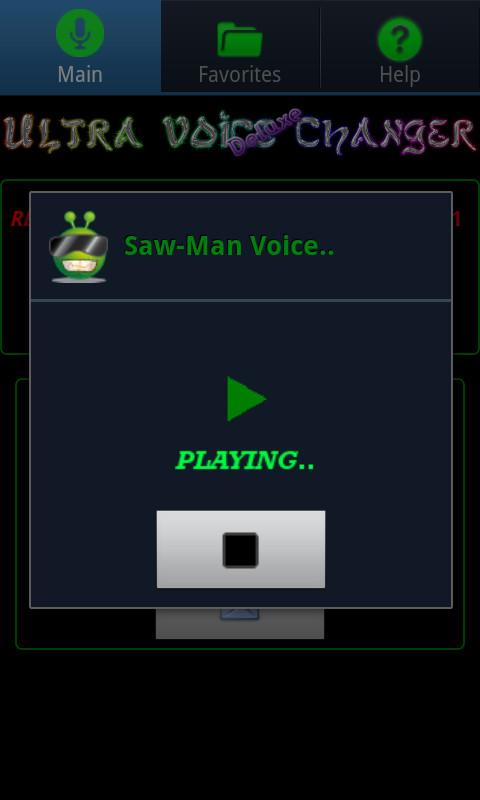
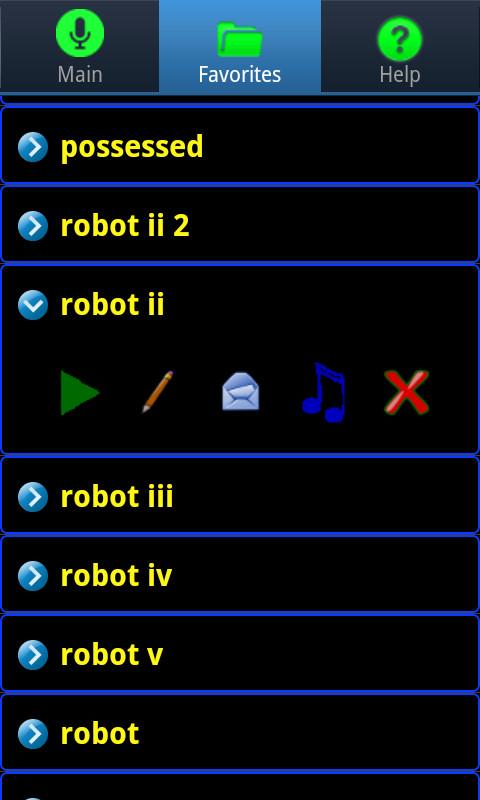
Opis If you have Android version 2.3 or higher, you can get the free 'Ultra Voice Changer' and simply upgrade it via an in-app purchase. For Android version 2.2 and lower, this Deluxe Ultra Voice Changer app is the only way to get all of the voices (including the premium voices). If you get abnormal playback results, even with the Normal voice effect, your device may not be able to record properly in mono mode. To rule this out, within the app, try selecting the 44100 stereo (or 22050 stereo) recording mode, via Menu->Prefs. Note: Dalek voices are actually labeled as: Cyborg I, Cyborg II, and Cyborg III in the actual app. NOTE: When recording, try using different recording volume levels (look for the recording volume control within the app) in order to find the levels that work best for your device. The default recording level of 1 may not be optimal for your device, so you may need to play around with that setting to get good recordings.. If you hear excessive static during playback, try lowering your recording volume and make a new recording using this lower recording volume setting. TROUBLESHOOTING CHECKLIST: If you are unable to record audio using this app, try the following: CHECK 1: Speak closely into the microphone. CHECK 2: Raise the speaker volume on your phone/device. CHECK 3: Raise the recording volume from within the app. CHECK 4: Also, if you have a bluetooth headset and you are not able to record audio or just get static, try turning your bluetooth headset off and see if that resolves the issue. CHECK 5: From within the app, try selecting a different audio recording rate, via Menu->Prefs. Supported audio recording rates include: 44100 stereo, 22050 stereo, 11025 stereo, 44100 mono, 22050 mono, 11025 mono, 48000 stereo, 48000 mono, 8000 mono. Depending on your device, only a subset of these recording rates may be available to you. obrazekobrazekobrazek
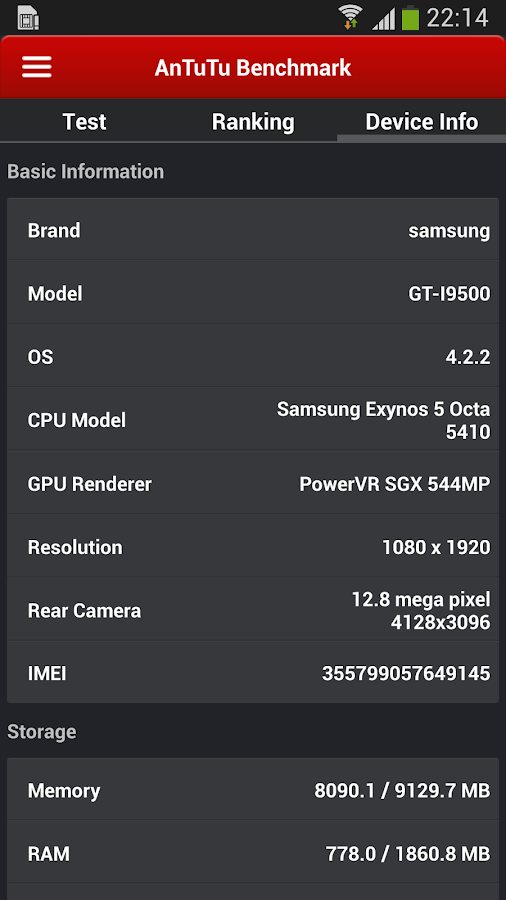
Opis One of the most popular, free Android smart phone and tablet benchmarking app in the world! ☆ Over 100,000,000 users ☆ No.1 benchmarking app for technology addicts, bloggers, and enthusiasts. AnTuTu Benchmark is free benchmarking app that helps users know deeper into their Android devices through hard numbers and solid facts. Benchmark Matrix: User Experience (UX) - Gives each user a direct impression on smart device performance with detailed scores. CPU Tests - Lets each individual user know how powerful of a CPU they have, with detailed score points and true hard-numbers. RAM Tests - Reflects the real processing ability the RAM of your Android smart phones has to offer. GPU Tests - Helps users know the real graphics processing performance, critical for all 3D effects, games, and video playback. I/O Tests – Gives users a direct score that reflects on the factual input/output (I/O) performance your system permits. Besides the professional and wildly popular benchmarking matrix, users can compare their own device with other popular devices that may also have powerful hardware performance. Help your friends find out the best smart device they want using Antutu Benchmark! Follow us on Twitter: https://twitter.com/antutulabs Find us on Facebook: https://www.facebook.com/antutulabs For any suggestions or feedback, we expect your smart ideas on our Google+ page or via email listed on our Google Play store page: https://plus.google.com/communities/107479465868959358493 NOTE: For the Ainol , Ramos , ONDA. please download: https://play.google.com/store/apps/details?id=com.pctvtv.android.ttsx obrazekobrazekobrazek
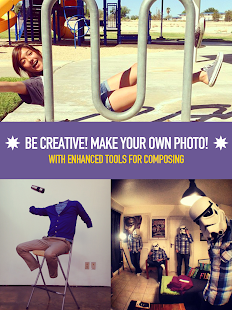
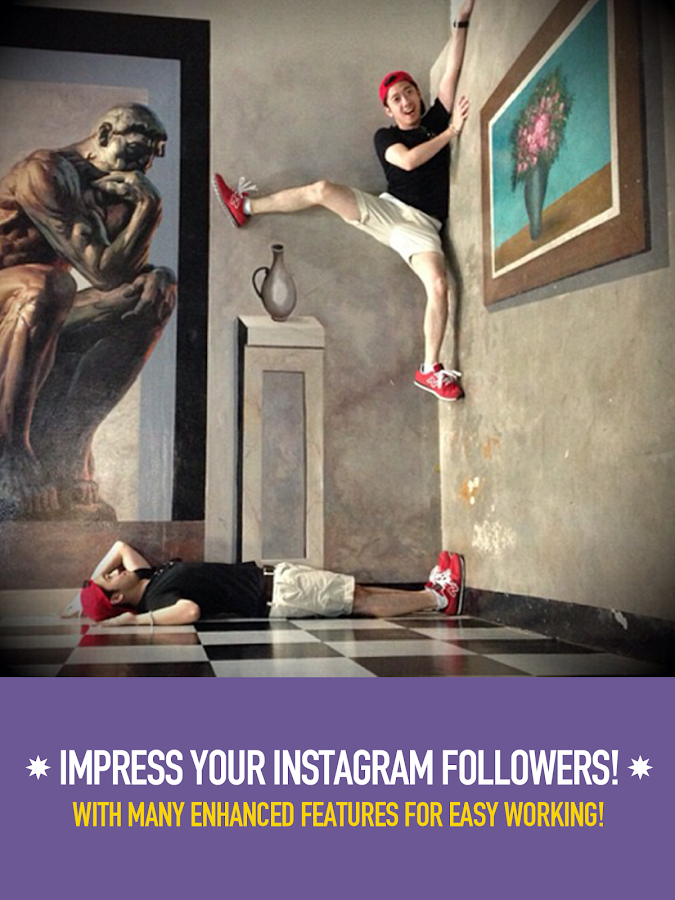
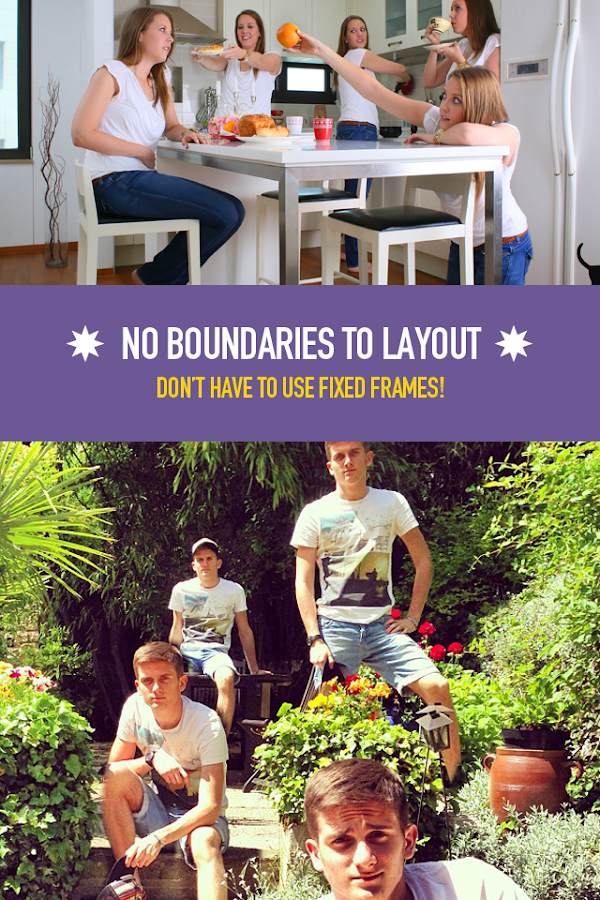
Opis ★ Strona wygrać miejsce w naszej Showcase za nami na Instagram @ Petavision i dodanie # CloneCameraChoice do swoich ulubionych zdjęć. ★ Chcesz stworzyć zdjęcie, które wyróżniają się? Szkoda, że ​​nie można sklonować siebie? CloneCamera pozwala tworzyć bezbłędne zdjęcia klonów! Nie ma żadnych predefiniowanych ramek, więc pozwól wodze fantazji! Cechy: 1. Oszałamiające zdjęcia 2. Wzmocnione samowyzwalacza 3. Liczne filtry do wyboru 4. Podziel się z przyjaciółmi w mgnieniu oka 5. Podręcznik rozruch, aby pomóc Ci w pierwszej próbie 6. Obsługuje obrazy w wysokiej rozdzielczości Instrukcje: 1. Weźmy dowolną liczbę zdjęć, jak chcesz 2. Wybierz do 4 zdjęć na połączenie 3. Zarys przedmiot, który chcesz sklonować 4. Naciśnij przycisk "Podgląd", aby sprawdzić wynik końcowy 5. Wybierz filtr, ustawić i upraw 6. Podziel się! -------------------------------------------------- - obrazekobrazekobrazekobrazek
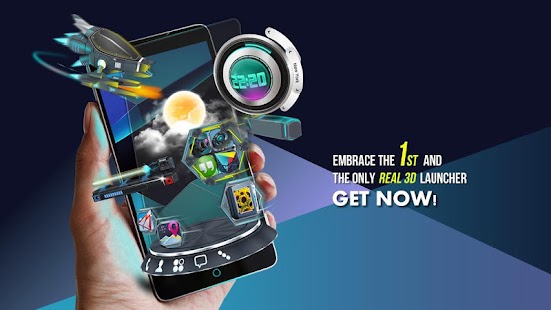
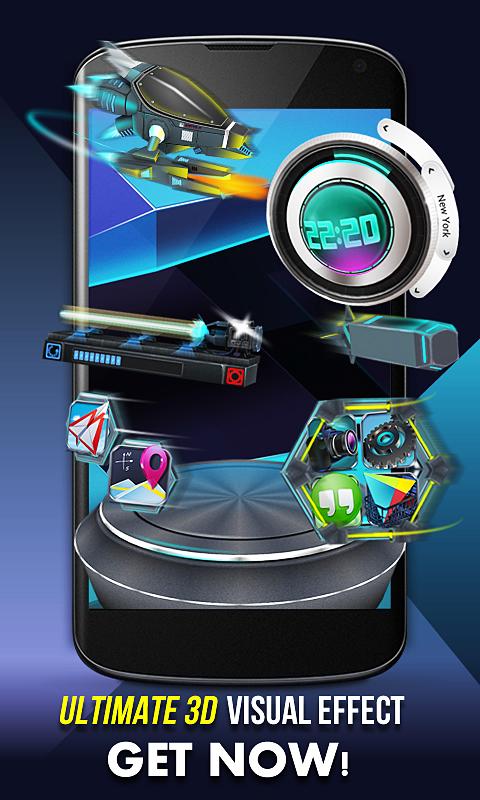
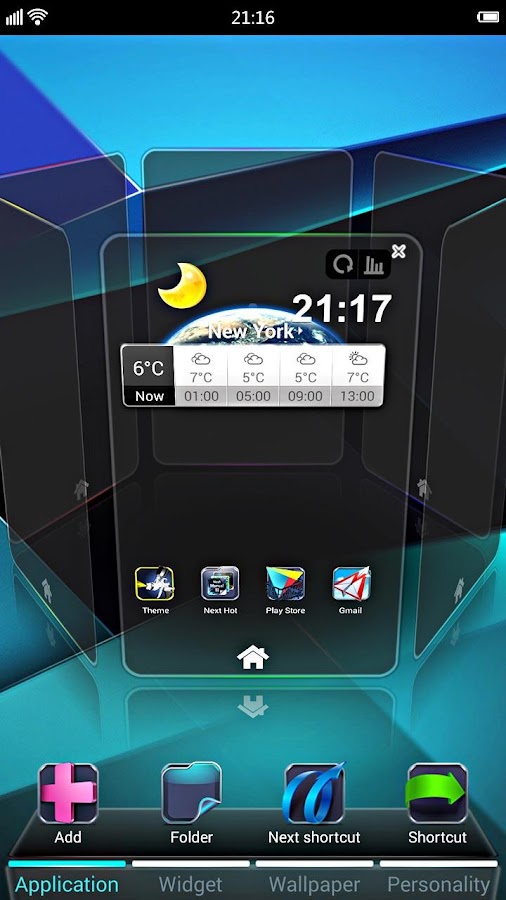
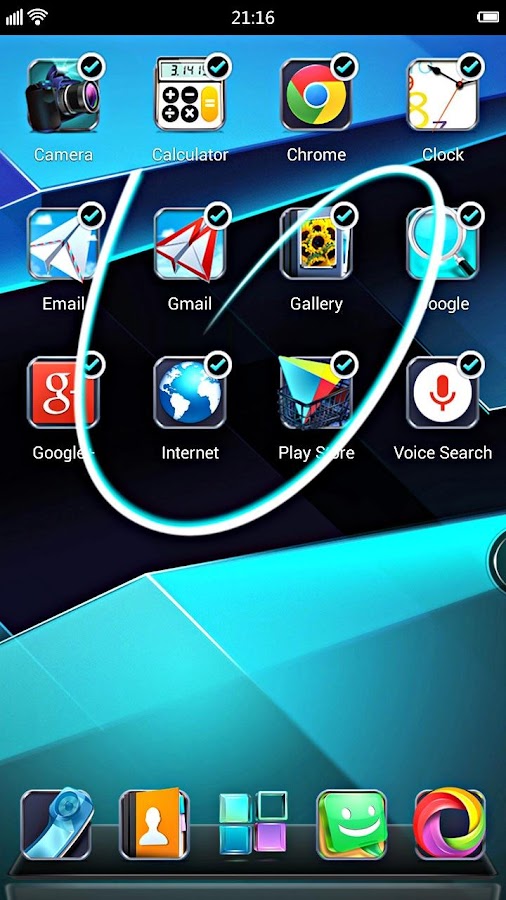
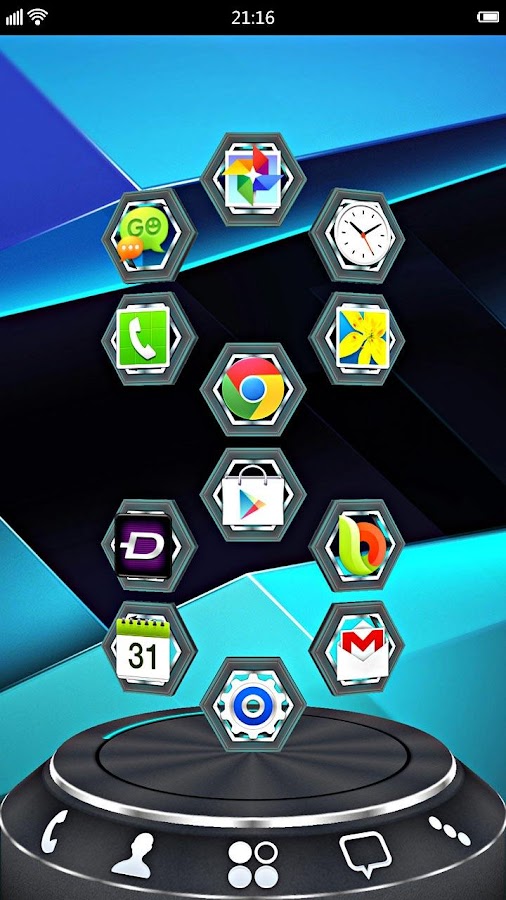
Opis Next Launcher 3D Shell— Best 3D Launcher Ever. + Brand new UI3.0 Just Released! Next Launcher 3D Shell shows you how 3D dynamic effects and highly customizable Android home screen replacement app could redefine your Android device. Time to get rid of the flat traditional launcher and embrace REAL 3D Launcher! You deserve it! Claim Your Next Launcher 3D Shell Right NOW! Join millions of users for ultimate and splendid operation experience and visual enjoyment! ■ Testimonials “One of the most heavily customizable, fluid, and striking launchers we’ve ever seen here at Redmond Pie.” - Redmond Pie “A gorgeous app packed with dynamic effects and 3D elements. The gratifying 3D visual elements, transition effects, and gestures will get you a different and brilliant visual enjoyment and operation experience.” - Topapps “The launcher features crazy 3D effects, turning any device you own into a futuristic Tron-centric trip. With additional themes and custom widgets downloadable from Google Play, it’s an extensive and extremely comprehensive option for someone looking to spice up their device.” - Droid-life ■ Key Features - Extremely fancy 3D effect with buttery smooth experience - Real 3D Home Screen Transition Effects (Crystal, Cloth, Folding and more coming soon) - Stunning 3D screen preview with dazzling animation of screen switching - Build unique icon style by changing its size, angle, style and label (Icon Editor) - Combine all good parts from different themes into a single theme you really love (Theme Mix Mode) - Efficient and powerful batch apps management with gestures - Up to 8 different gestures available in home screen and app drawer - See how cool your phone could be by blowing all the icons and the widgets to air space (Floating Mode) - Enhanced shining border effects for home screen transition - Up to 7 rows on dock to shortcut all your favorites - Keep releasing 3D Next widgets, 3D themes and live wallpapers special designed by GO Launcher Dev Team obrazekobrazekobrazekobrazekobrazek
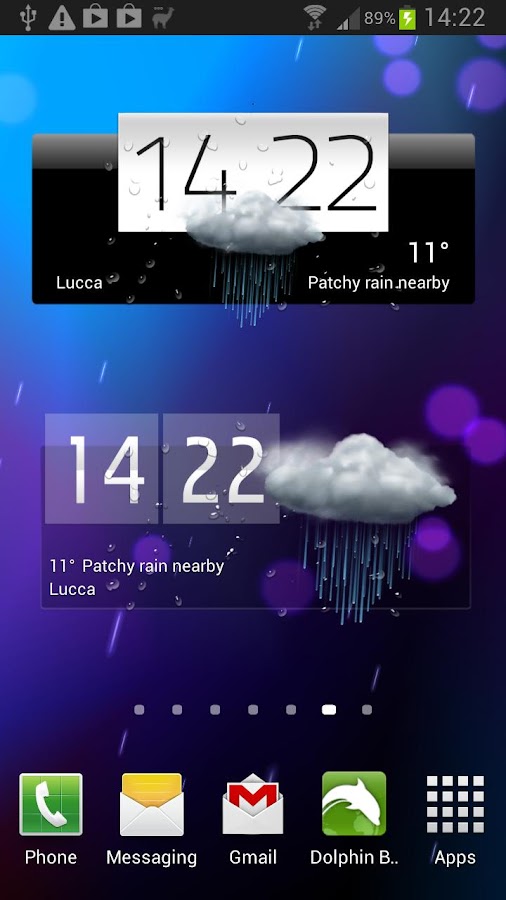
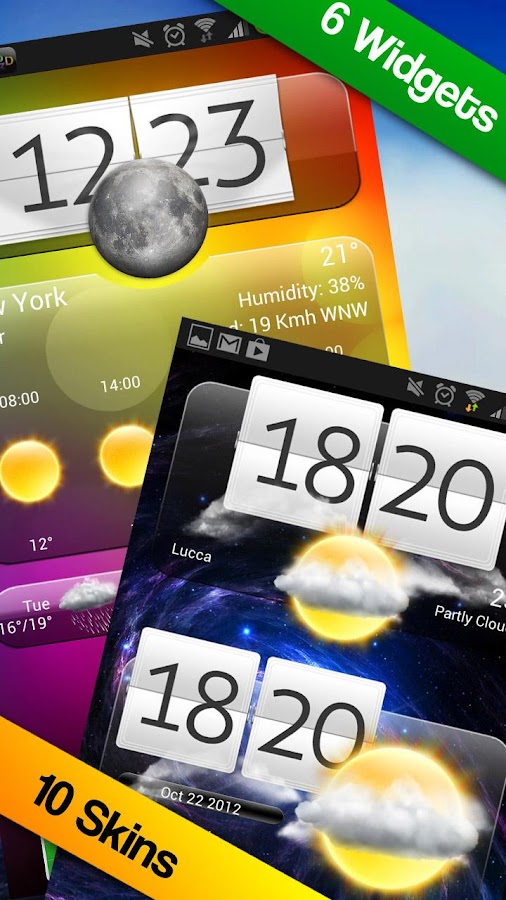
Opis Fantastyczny zegarek i Widzety Pogodowe + profesjonalna aplikacja z prognoza pogody co godzine i animacjami w HD. Najpiekniejsze widzety na Androida! Wybieraj miedzy 6 róznymi Widzetami + 10 róznymi motywami. Widzety Premium to m.in. zegar cyfrowy, 40 ikon, efekty specjalne i nie tylko! Za jednym dotknieciem aplikacja powieksza sie na caly ekran, razem z pieknymi animacjami pogodowymi i dokladna prognoza. Widzety Premium zawieraja: - 3 zegarki + widzety pogodowe - 1 duzy widzet z zegarem + pogoda + prognoza. - 2 widzet wylacznie pogodowy - Efekty specjalne (krople deszczu, swiecace slonce, chmury) - Kazdy widzet zawiera 10 róznych motywów! Aplikacja pogodowa zawiera: - zaawansowane dane pogodowe, takie jak wilgotnosc, cisnienie, opady - prognoze pogody co godzine - zachody i wschody slonca - animacje HD na caly ekran - wybierz swoje miasto albo uzyj lokalizacji GPS obrazekobrazekobrazek
więcej plików z tego folderu...
Zgłoś jeśli naruszono regulamin
W ramach Chomikuj.pl stosujemy pliki cookies by umożliwić Ci wygodne korzystanie z serwisu. Jeśli nie zmienisz ustawień dotyczących cookies w Twojej przeglądarce, będą one umieszczane na Twoim komputerze. W każdej chwili możesz zmienić swoje ustawienia. Dowiedz się więcej w naszej Polityce Prywatności